
Shipping and fulfillment
Pick-and-Pack Checks That Prevent Wrong-Item Shopify Complaints
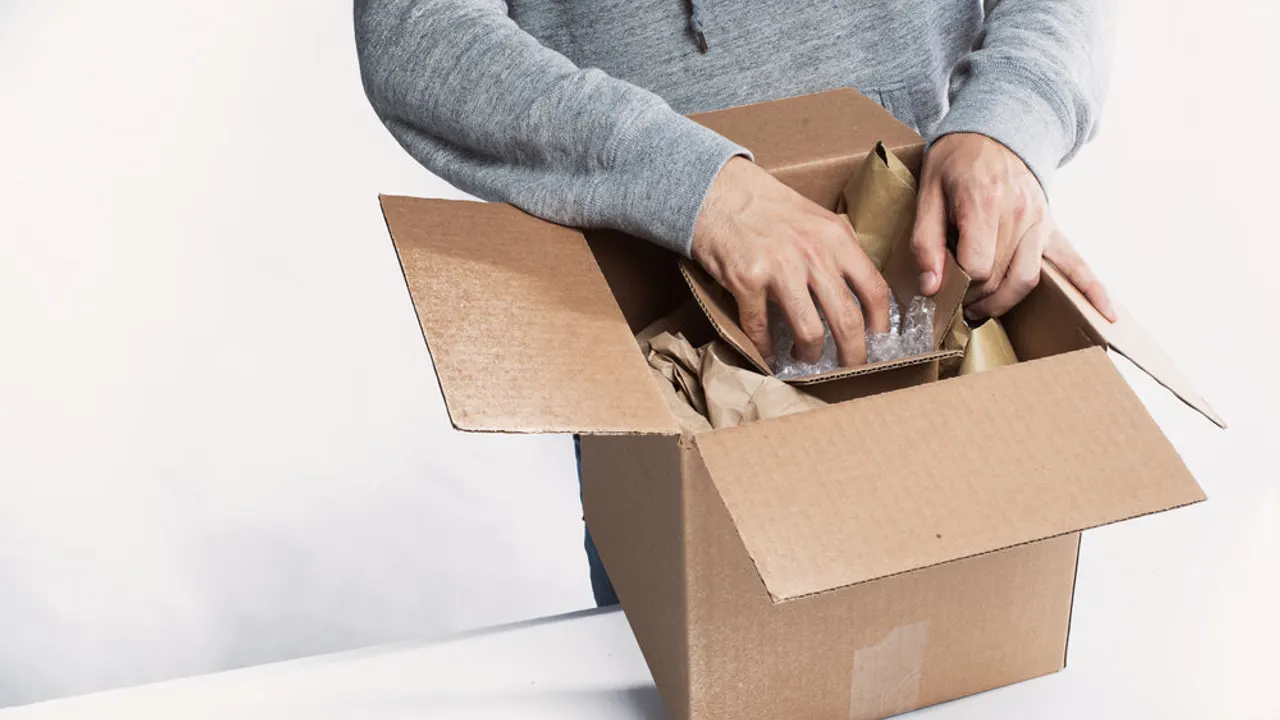
A wrong-item complaint usually begins before the parcel is sealed. The warehouse picks a plausible-looking product, the packer trusts the picking list, and a correct shipping label sends the incorrect contents to the correct customer. Preventing that sequence requires a physical comparison between the accepted order and the goods on the bench.
Make the packing station the final place where a discrepancy can stop dispatch. Staff need permission to pause a parcel, a clear source for the order specification, and somewhere to put exceptions. Asking people to “be more careful” leaves the same weak handoff in place. A useful check identifies the exact unit, confirms what belongs with it, and records whether the parcel is cleared or waiting for a correction.
Verify the variant, not just the product family
Start with the order line as purchased: product identifier, SKU, variant options, quantity, and any customization. A product name alone is a weak picking instruction. Similar names can describe different sizes, plug types, colors, capacities, or bundled editions. If the warehouse uses an internal item code, maintain a readable mapping to the merchant’s SKU so staff can investigate a mismatch without guessing.
Shopify supports barcode use in picking and packing. A scan is useful only when the barcode identifies the intended item correctly. Shopify packaging and barcode guidance.
As an operational control, compare the scan result with the expected variant on the order. Do not treat a successful scanner beep as proof of a match. Where a supplier uses one carton barcode for several individual variants, add a second visible check of the distinguishing feature. Put that requirement beside the relevant item instruction rather than relying on someone remembering it during a busy shift.
Separate items for different customers physically. One open parcel per working area is easier to verify than several piles of similar products sharing the same bench. If batch picking is necessary, use distinct containers that retain their order reference through packing.
Check the complete contents before sealing
Verification should include everything the customer reasonably expects from that purchased line. Count individual units, required accessories, selected add-ons, and bundle components. Use the purchase specification to decide what belongs in the parcel; promotional photography and an old warehouse kit list can create a different expectation.
For a kit, show components separately in the packing instruction even if checkout sold a single bundle. A packer cannot confirm “one starter set” reliably without knowing what the starter set contains. If the kit is sealed by a supplier, define which exterior identifiers establish its edition and whether the merchant opens any units for quality checks. Avoid suggesting that every sealed product must be opened regardless of condition or suitability.
Weight can flag anomalies but should remain a secondary check. Two variants may weigh the same. A missing lightweight cable might fall within normal package variation. If you use weight tolerances, establish them from the actual package configuration and make out-of-range results trigger inspection, rather than using weight as a substitute for identity checks.
Shopify distinguishes products that are unacceptable from products not received when describing dispute reasons. Correct contents therefore matter independently of tracking. Shopify dispute reasons.
A worked packing check for similar variants
Consider this hypothetical order: one blue travel lamp with a regional plug adapter and two replacement shades. The warehouse stocks a visually similar lamp with a different adapter. The following bench card makes the distinction explicit.
| Check | Expected result | Stop condition |
|---|---|---|
| Order reference | Reference on tote matches packing screen | Tote and screen differ |
| Lamp identity | Blue lamp, exact purchased SKU | Different color, SKU, or unknown label |
| Adapter | Adapter type specified on purchased variant | Adapter missing or different |
| Shades | Two units of the selected shade size | Quantity or fit differs |
| Final contents | Every cleared line in the assigned carton | Unassigned item remains on bench |
The packer finds the wrong adapter before sealing. They move the parcel to the exception shelf, record the mismatch, and request the correct unit. A supervisor resolves the inventory discrepancy and returns the order for the full relevant check. The parcel is not released merely because someone has written “fixed” on the picking sheet.
The example does not predict a reduction in complaints. It demonstrates where an error becomes observable and who can stop it. That is the practical value of the control.
Give discrepancies a route back into normal work
Use a short exception record: order reference, expected item, observed item, missing component, responsible resolver, and release confirmation. Keep unnecessary customer details off warehouse exception boards. Staff need enough information to locate the order and fix the contents, not a copy of the customer’s entire account.
Review recurring mismatches with the person who maintains location labels and product mappings. If two nearly identical variants repeatedly share a bin, moving one bin may be more effective than adding another signature. If a bundle instruction is stale, correct the instruction and check other parcels still awaiting dispatch.
Train new staff with a deliberately mismatched practice parcel. Ask them to identify the stop condition and demonstrate how they request a correction. The check is ready for daily use when a new packer can follow it without inventing the rules, and a supervisor can distinguish a genuinely cleared parcel from one still waiting for help.
Review how Lower Chargeback keeps operational order references and dispute status visible.
Related reading in this collection:
- Set Shopify Delivery Promises Your Fulfillment Team Can Keep
- Wrong Tracking Link on a Shopify Order: Prevent a Simple Error From Escalating
- Shopify In-Store Pickup: Make the Collection Handoff Unambiguous